
Insight CRM & Marketing Automation
Naming Convention Framework + Data Import (CSV): The Two Steps Everyone Skips
 Md Sahed HasanMarketing Strategist & Consultant
2 min read
Md Sahed HasanMarketing Strategist & Consultant
2 min read
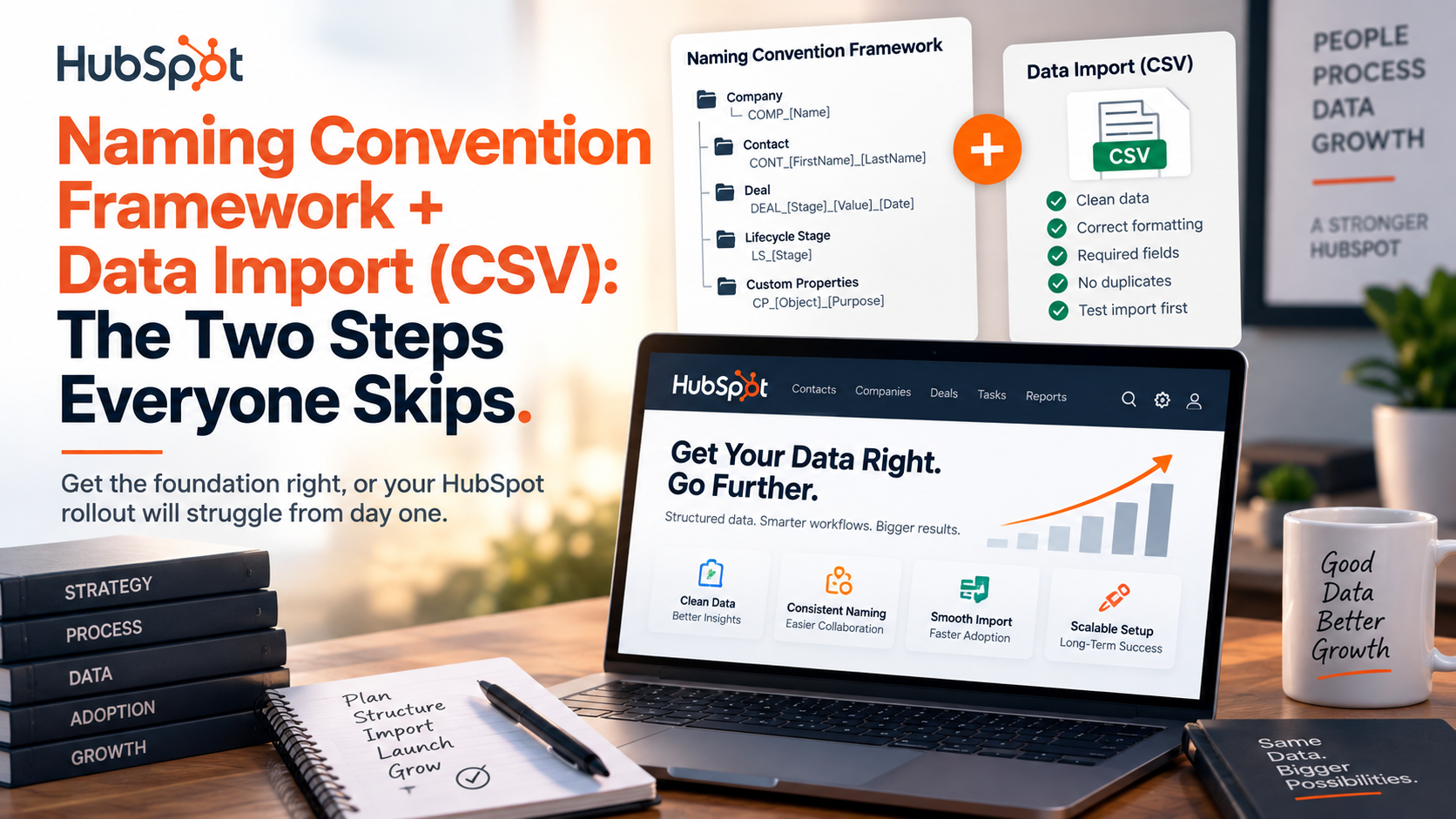
Before you import a single row of data into HubSpot, two decisions determine whether your CRM stays clean or turns into a mess within months: how you name things, and how you prepare data before it goes in. Both get skipped because they feel like admin work. Both come back to bite teams later.
1. Build a naming convention framework — not just individual names
- Group related custom properties with a clear prefix:
Lead Source – Channel,Score – Fit,Score – Engagement - Use consistent Title Case — avoid
ALL_CAPS,snake_case, or random abbreviations likeemp_cnt - Don’t go too short (
Corp Sz) or too long (The Total Number of Employees Working at This Company) — aim for clear and concise - Before creating anything new, search existing properties first — HubSpot’s defaults often already cover it
- Never create two properties for the same thing “just in case”
2. Keep a Property Documentation Sheet
- A simple table: Property Name | Object | Type | Purpose | Who Updates It
- Useful for audits, handovers, and onboarding new team members
- For client work, this can double as a deliverable that shows professionalism
3. Clean data before you import — not after
- Check for duplicate rows (same email appearing twice)
- Match column headers to HubSpot property names in advance
- Verify date formats match what HubSpot expects
- For dropdown properties, make sure your CSV values match the dropdown options exactly — mismatches either get dumped into “Other” or silently create new, unwanted options
4. Watch for language and format mismatches
- A common trap: your CRM dropdown is in English (“Manufacturing,” “Consulting”), but your source file is in German (“Fertigung,” “Beratung”)
- Map every value manually before import — don’t assume HubSpot will translate or match them for you
5. The import itself is simple — the prep work isn’t
- Settings → Import & Export → Import → Start an import
- Choose file source, select object type, upload CSV
- Map each column to the correct HubSpot property
- Preview before confirming — catch mapping errors here, not after 2,000 rows are already in
The import button is the easy part. The naming system and the data cleanup are what decide whether your CRM is trustworthy six months from now — or full of duplicates, mismatched values, and fields nobody remembers the purpose of.