
Insight CRM & Marketing Automation
Why Your HubSpot Rollout Fails Before You Even Launch a Campaign
 Md Sahed HasanMarketing Strategist & Consultant
2 min read
Md Sahed HasanMarketing Strategist & Consultant
2 min read
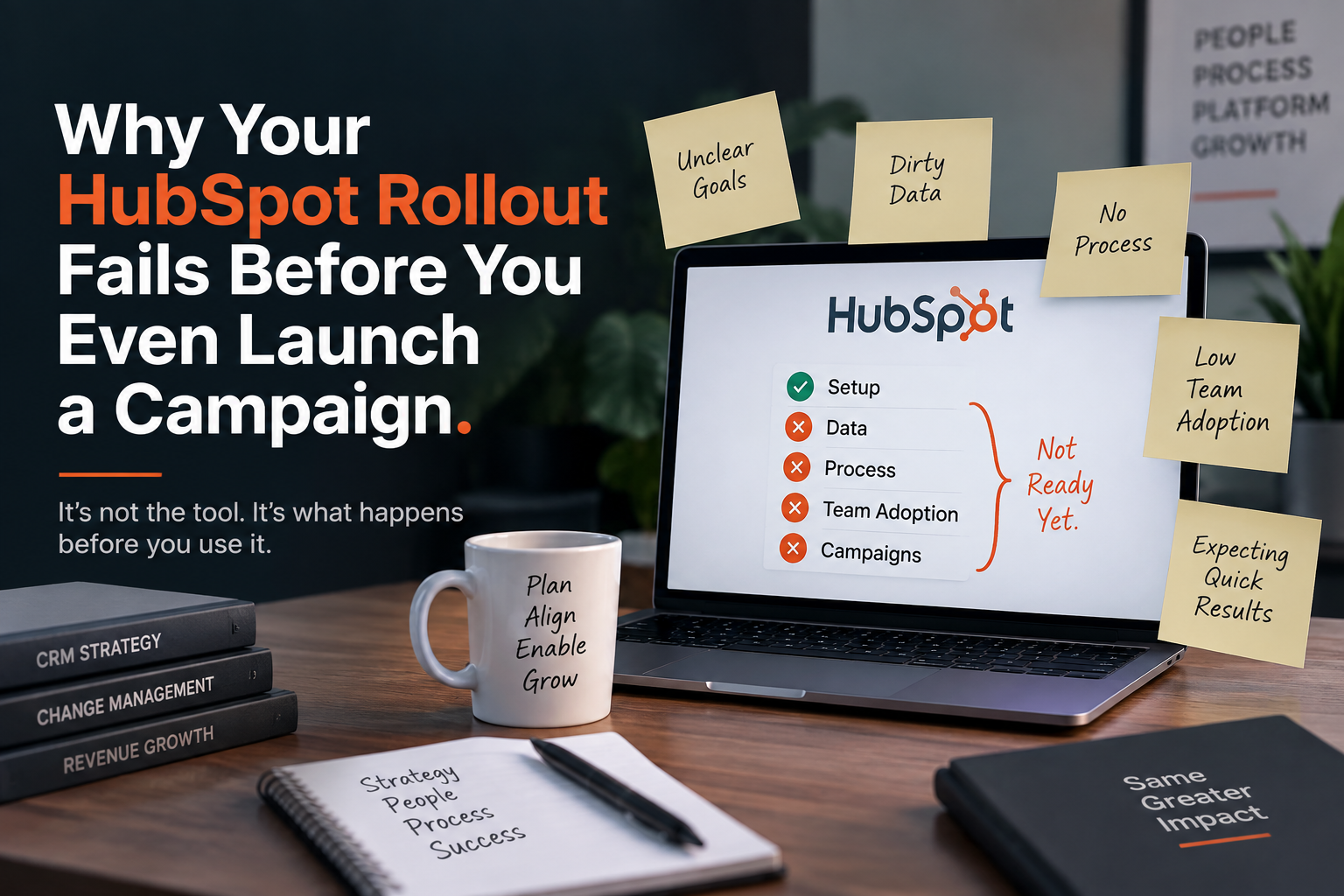
Most companies buy HubSpot for the exciting parts — automation, lead scoring, dashboards. Six months later, reporting is wrong and sales doesn’t trust the data. The cause is almost always the same: nobody spent time on setup and data structure before building.
1. Start in a sandbox, not production
- Use a HubSpot developer test account to test tracking code and workflows first
- Especially important for EU/German companies, where tracking mistakes can turn into a GDPR issue
2. Learn the five core objects before building anything
- Contacts, Companies, Deals, Tickets, Custom Objects
- A demo form fill should create a Contact and a Company — but not a Deal
- If every submission becomes a Deal, your pipeline fills with noise, forecasts get inflated, and “Deal” stops meaning anything
- Deals should be created deliberately, after qualification
3. Choose property types carefully
- Use dropdowns over free text wherever possible — otherwise “SaaS,” “Software as a Service,” and “saas” become three different values, and reporting quietly breaks
- Don’t over-use dropdowns either — fast-changing data (like specific campaign names) is better tracked via UTM parameters than a dropdown someone has to keep updating manually
- Ask for every field: who maintains it, and how often does it change?
4. Set a naming convention early
- Without one, you end up with
emp_cnt,src2, and three different “industry” fields within months - Keep it simple: consistent capitalization, clear prefixes (
Lead Source – Channel), search before creating anything new
None of this is glamorous. But it’s the difference between a CRM that stays useful and one that turns into a data graveyard nobody trusts.